AI Video Generation
Premium AI video generation tuned for short-form, cinematic and product clips.
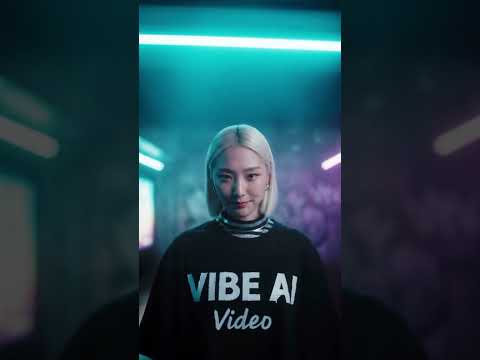
VIBE is an AI video generator app that helps you create AI videos from prompts, photos, images and creative ideas. Generate cinematic clips, image-to-video animations, social media videos and short-form video concepts — straight from your phone.


No editing skills needed · iPhone & Android · Free to start
Quick Answer
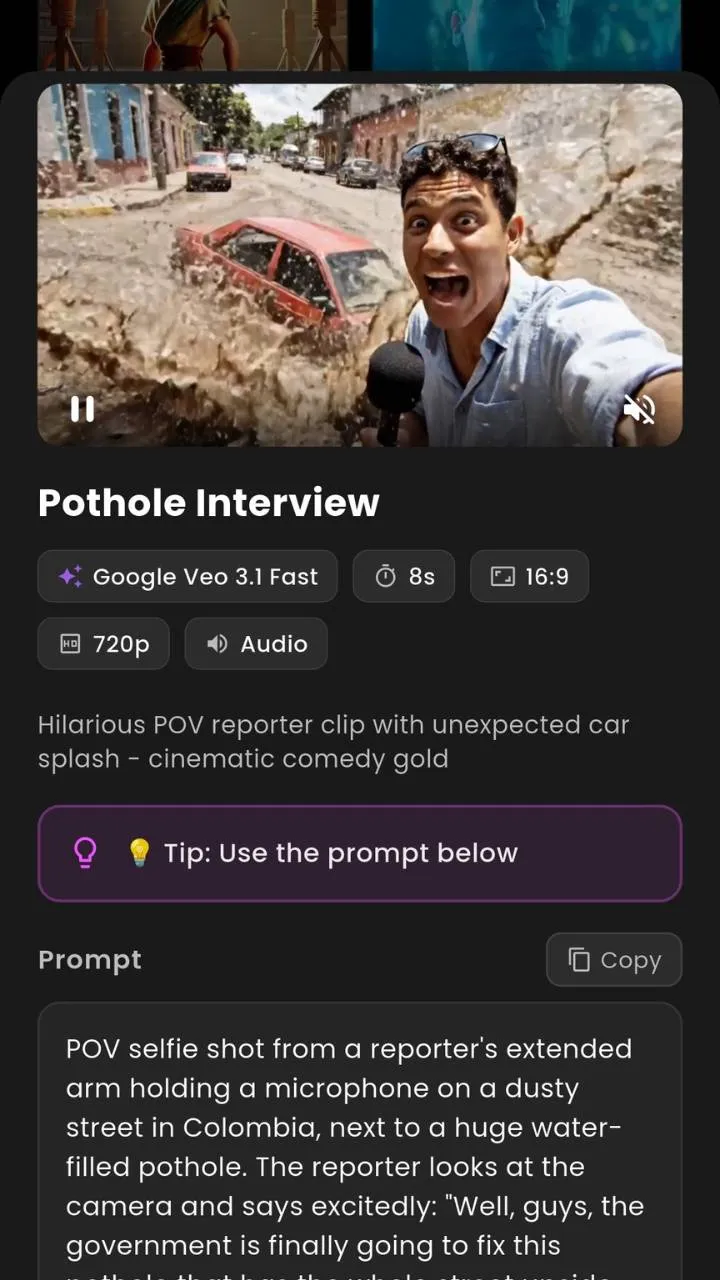
VIBE is an AI video generator app that helps users create AI videos from prompts, photos, images and creative ideas. Upload a photo, enter a prompt, choose a style and generate AI video clips directly from your phone. VIBE is useful for content creators, TikTok creators, Instagram Reels creators, YouTube Shorts creators, influencers, marketers and anyone who wants to make short-form video without complex editing software.
How VIBE Works
VIBE makes AI video generation mobile-first. Upload an image, describe the video, choose a style and generate AI video clips directly from your iPhone or Android device.
Drop a portrait, product shot or AI art piece into VIBE — or skip the upload and describe your idea in plain English.
Add scene, mood, camera move and lighting. The more specific the prompt, the better the AI video generation result.
Pick from cinematic, anime, fashion, product or meme styles. Run it through Sora 2, Veo 3.1, Kling, Hailuo and more.
VIBE renders your AI video clip. Most generations finish in under a minute, depending on model and length.
Download in 9:16 for TikTok, Reels and YouTube Shorts. Or post straight from the AI video maker app.
Ready to make AI videos?
Core Features
Premium AI video generation tuned for short-form, cinematic and product clips.
Type a prompt, get an AI video. Built for fast ideation.
Animate any photo or AI art with one tap.
Turn portraits and product shots into dynamic AI video clips.
9:16 vertical AI videos ready for Reels, TikTok and Shorts.
Create AI social media videos in minutes, not hours.
From neon noir to soft studio — pick a style preset and go.
Smart prompt suggestions help you write better AI video prompts.
Designed for one-handed creation on iPhone and Android.
Sora 2, Veo 3.1, Kling, Hailuo, WAN, Seedance and more.
Export 9:16, 16:9 or 1:1 — share to any platform.
Full feature parity across iPhone and Android.
Image to Video AI
Upload a still image and VIBE’s image to video AI generator transforms it into a dynamic AI video concept. Image-to-video is perfect for portraits, product visuals, AI art animations, lifestyle photos and creative social content — without manual video editing.
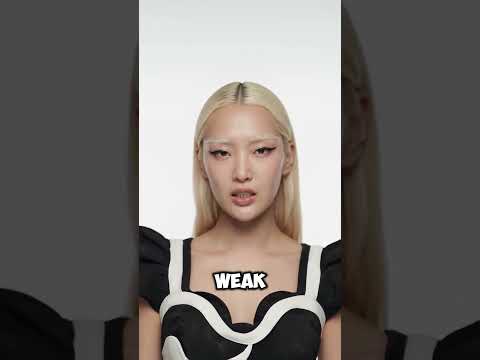
Animate portraits, lifestyle photos, fashion shots and AI art into living video clips.
Turn a flat product photo into a luxury video ad concept with motion and lighting.
Make travel and landscape photos breathe with subtle camera moves and atmosphere.
Bring portraits to life with parallax, head turns and expressive micro-motion.
Text to Video AI
Describe the scene, style, camera movement and mood. VIBE’s text to video AI generator turns words into cinematic AI video ideas. Text-to-video is built for creators, marketers, social media users and storytellers who want fast video generation without an editing suite.
Create a cinematic street fashion video at night with neon reflections.Animate this portrait with a subtle, slow cinematic camera push-in.Generate a luxury product video with soft studio lighting and slow zoom.Create a dreamy travel clip in golden hour, gentle handheld motion.Turn this image into a dynamic vertical social media video for Reels.First-person POV roller coaster diving into an erupting volcano at sunset.Tip: clear prompts and reference images usually create better AI video generation results.
AI Video Models
Switch between Sora 2, Google Veo 3.1, Kling, Hailuo, WAN, Seedance, Luma, PixVerse, LTX, Vidu, Pruna and Grok Imagine — all inside the VIBE AI video maker app.
Create Google Veo 3.1 AI Videos · Google DeepMind
Cinematic Veo 3.1 AI video generation with synced audio, smart camera moves, and natural motion straight from your prompt.
Veo 3.1 Fast AI Video Generator · Google DeepMind
Generate Veo 3.1 Fast AI videos in seconds. Built for quick iterations and short-form social media videos.
Veo 3.1 Lite AI Video Maker · Google DeepMind
A lighter Veo 3.1 AI video generator for everyday creators who need speed without losing the cinematic feel.
Sora 2 AI Video Generator · OpenAI
OpenAI Sora 2 brings physics-aware motion and lifelike scenes. Create Sora 2 AI videos with detailed prompts and image references.
Sora 2 Pro AI Video Generator · OpenAI
Sora 2 Pro pushes longer durations, sharper detail, and stronger prompt control for cinematic AI video creation.
LTX 2 AI Video Generator · Lightricks
LTX 2 is a real-time AI video generator tuned for fluid motion, fast renders, and short-form video ideas.
PixVerse 5.6 AI Video Maker · PixVerse
PixVerse 5.6 nails stylized characters and anime-leaning aesthetics. Great for AI Reels and TikTok-style edits.
Kling o3 AI Video Generator · Kuaishou
Kling o3 delivers ultra-smooth motion and rich textures. A favorite for cinematic AI video clips.
Kling 3.0 AI Video Maker · Kuaishou
Reliable Kling 3.0 AI video generation with strong image-to-video performance and creator-friendly controls.
Seedance 2.0 AI Video Generator · ByteDance
Seedance 2.0 captures human movement and dance choreography with eerie precision for short-form social videos.
Seedance Pro Fast AI Video · ByteDance
Seedance Pro Fast trades a hair of polish for speed. Perfect for rapid AI Reels and Shorts ideation.
Grok Imagine AI Video Generator · xAI
Grok Imagine Video brings playful, meme-friendly AI video generation with a punchy, social-native feel.
Vidu Q3 AI Video Maker · Shengshu
Vidu Q3 turns reference characters into consistent AI video clips. Strong for storytelling and serial content.
Pruna 5 AI Video Generator · Pruna AI
Pruna 5 is the speed demon of the lineup. Quick AI video generation for prompt experiments and drafts.
Luma Ray Flash 2 AI Video · Luma Labs
Ray Flash 2 from Luma offers dreamy lighting and atmospheric AI video clips with low render times.
WAN 2.6 AI Video Generator · Alibaba
WAN 2.6 is a versatile AI video generator that handles everything from product clips to cinematic shots.
WAN 2.2 AI Video Maker · Alibaba
Solid, reliable WAN 2.2 AI video generation with great image-to-video for portraits and product visuals.
Hailuo AI Video Generator · MiniMax
Hailuo (MiniMax) delivers crisp character consistency and clean motion for AI Reels, Shorts, and ads.
Tap a model in the app to compare results. Run the same prompt through Sora 2, Veo 3.1 Fast or Kling o3 and pick your favorite take.
AI Video Showcase
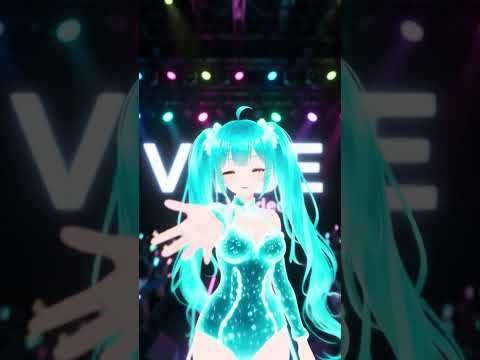
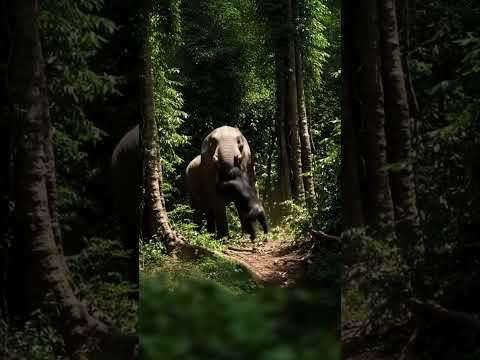
From volcano roller coasters to fashion fjords — see what creators are making with the VIBE AI video generator app.
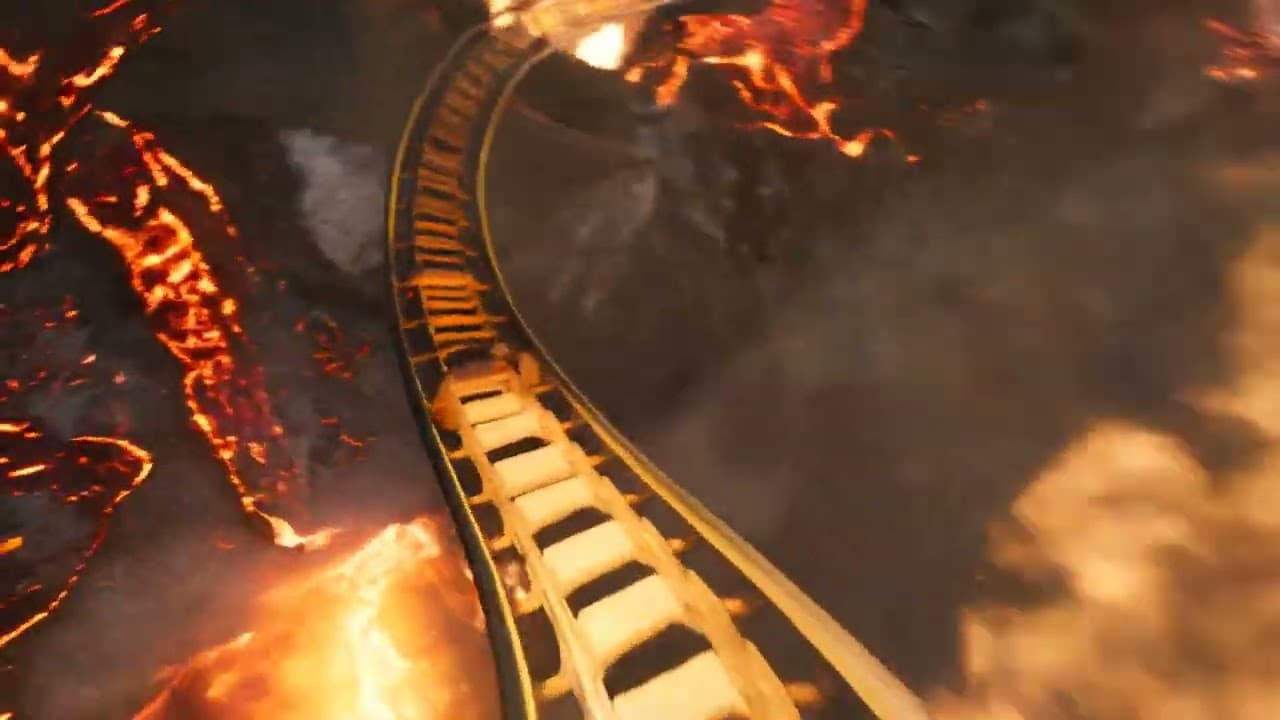
Volcano coaster — cinematic AI video
“First-person POV of a roller coaster plunging into the mouth of an erupting volcano. Rivers of glowing lava, sparks past camera, launches through a vent into a sunset sky.”
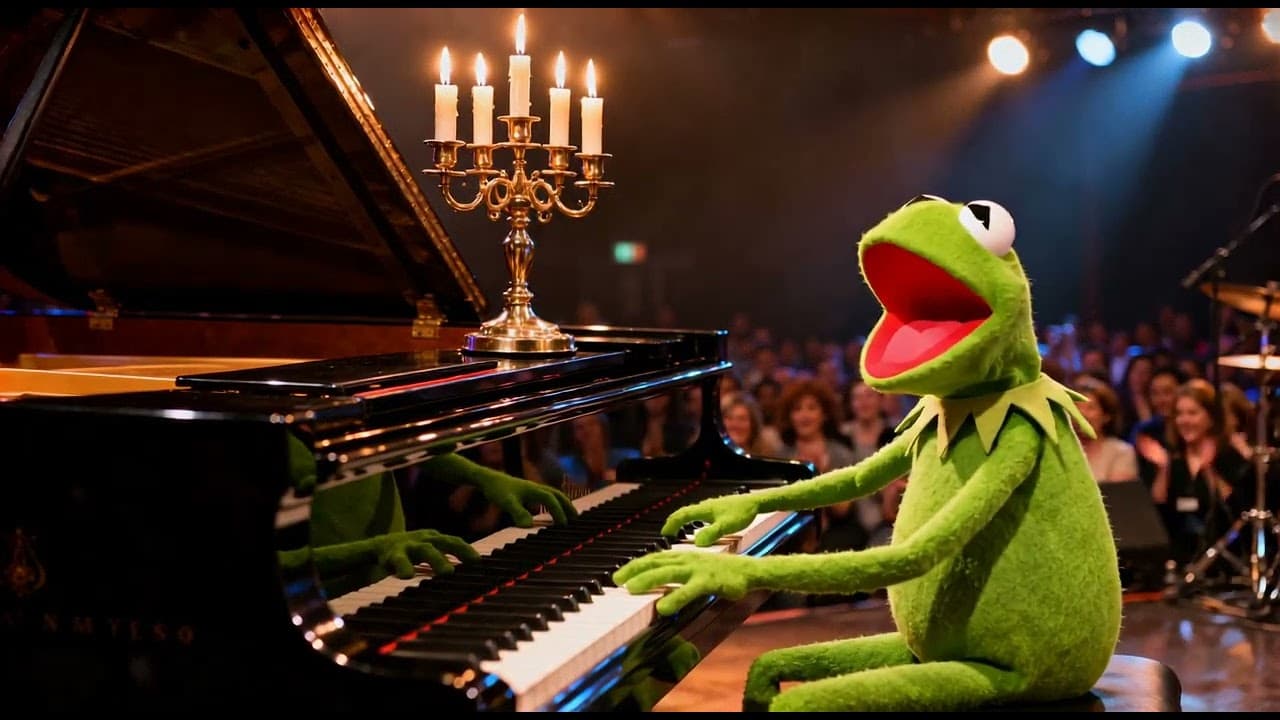
Music visual — AI video from prompt
“He sings and plays the piano.”
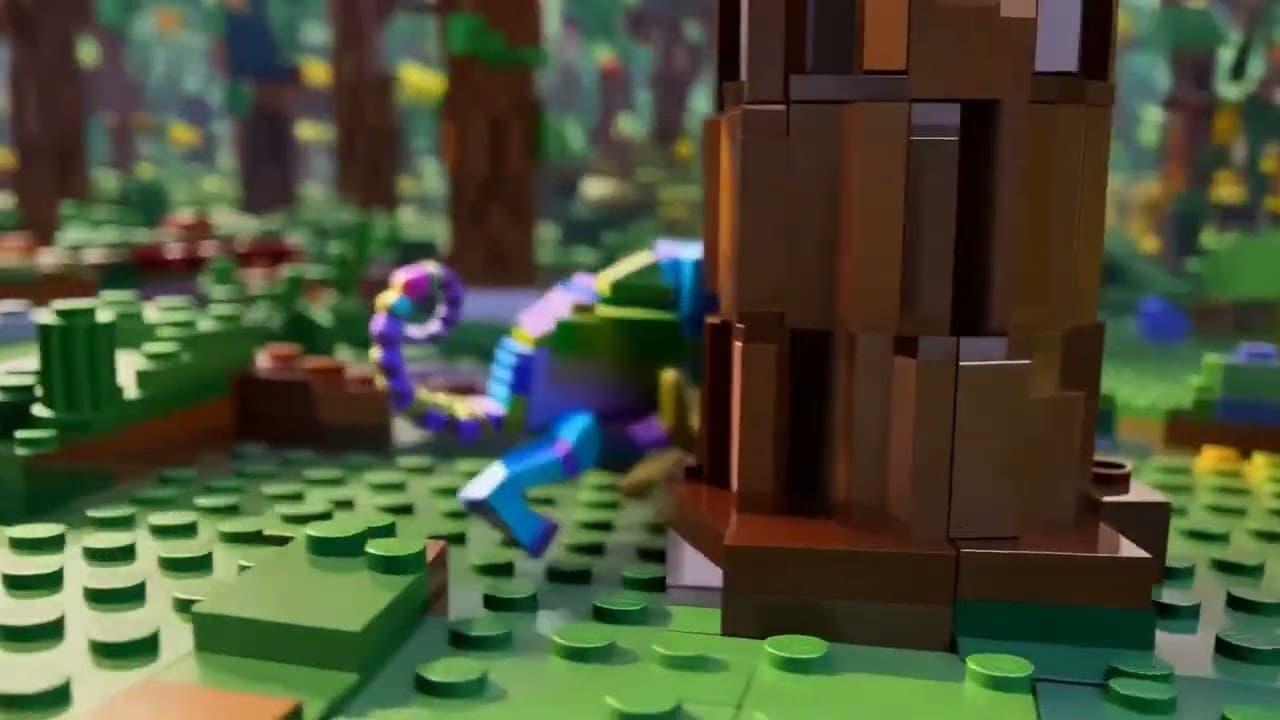
Lego jungle — stylized AI animation
“A dense, verdant jungle world made up of small lego-like pieces. A rainbow chameleon runs through the 3D scene.”
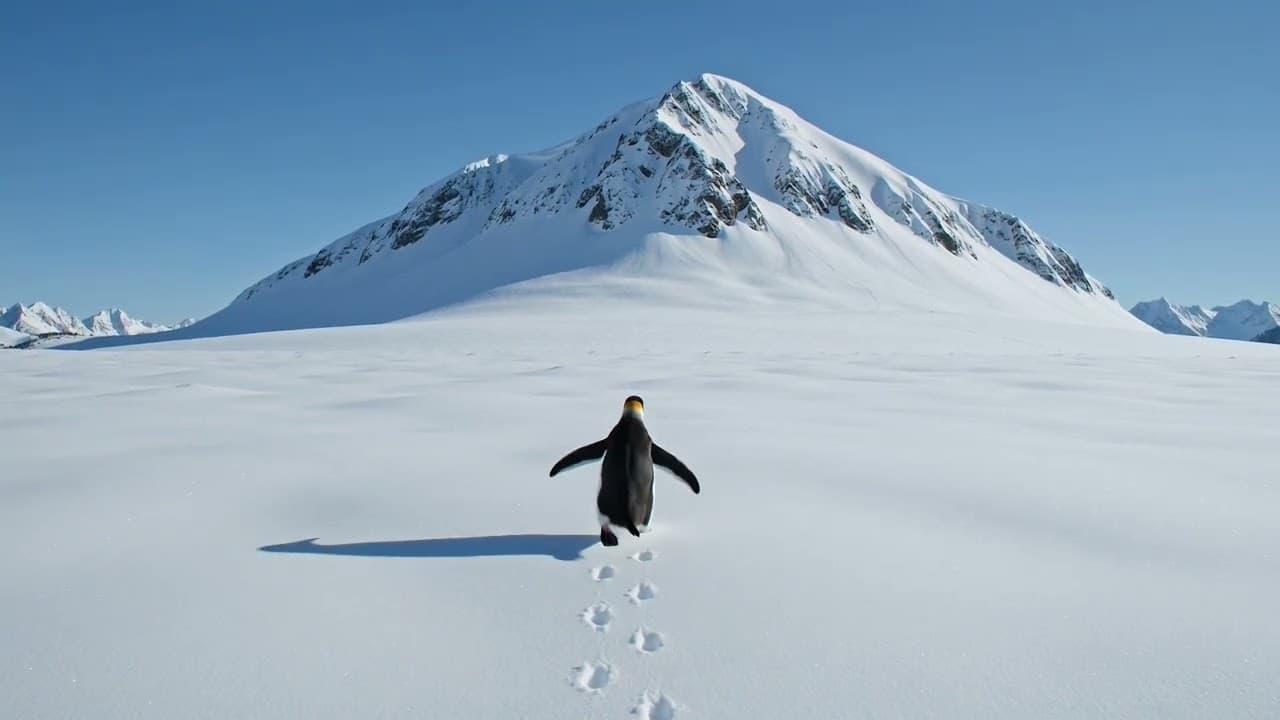
Penguin walk — AI video from text
“A penguin walks away from the camera, towards a large snowy mountaintop in the distance.”
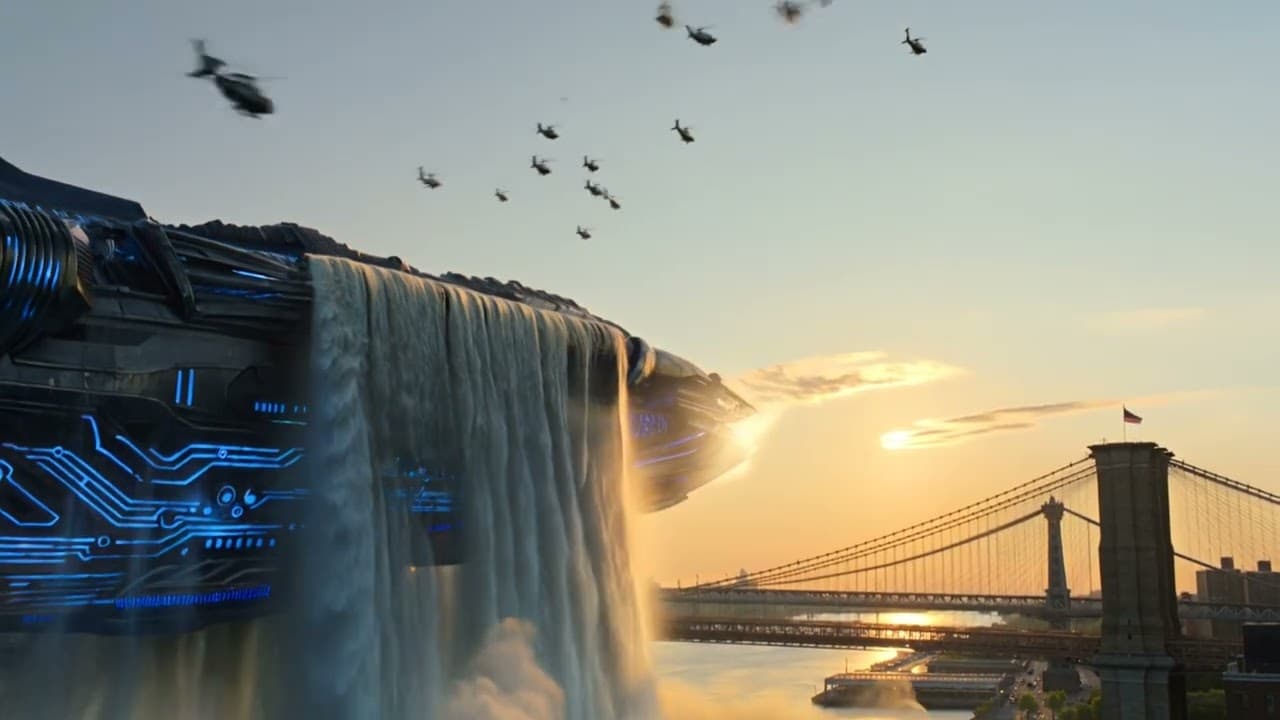
Alien NYC — AI cinematic clip
“A massive alien spaceship rises from the East River in Manhattan past the Brooklyn Bridge at sunset.”
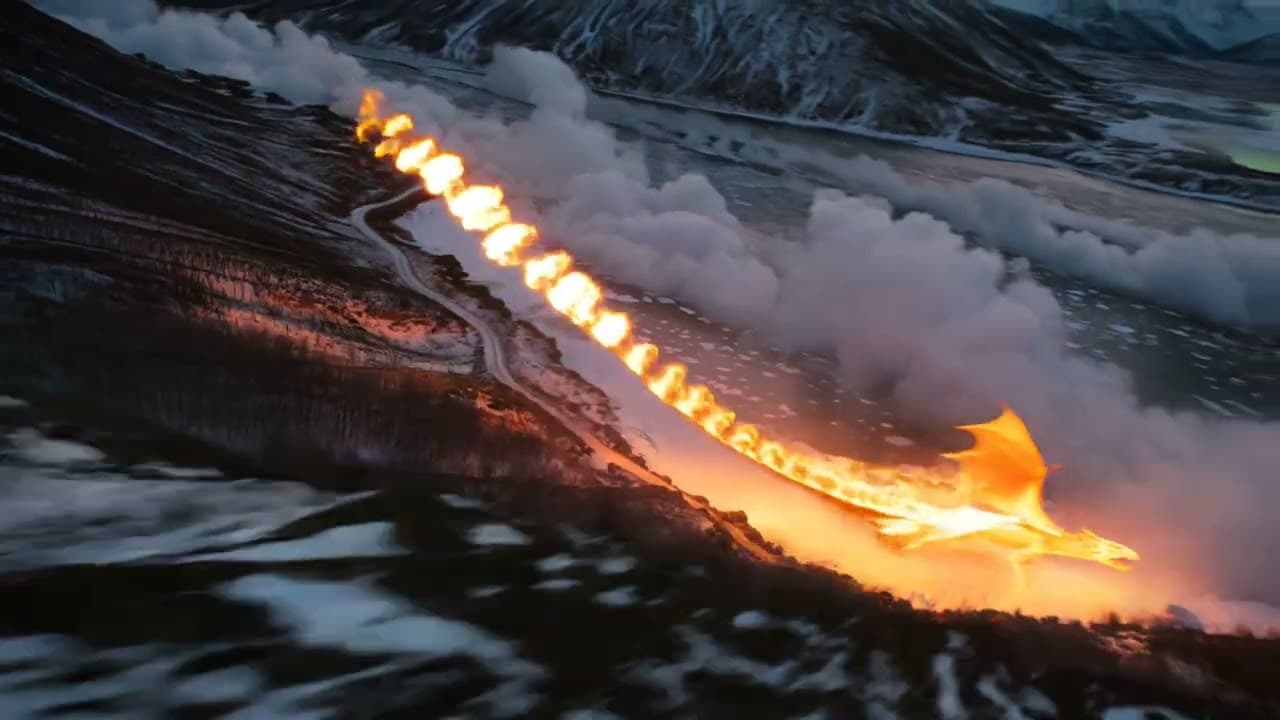
Fire dragon fjord — AI video generator
“Cinematic drone footage of a fire dragon soaring over a frozen Nordic fjord at twilight, northern lights above.”
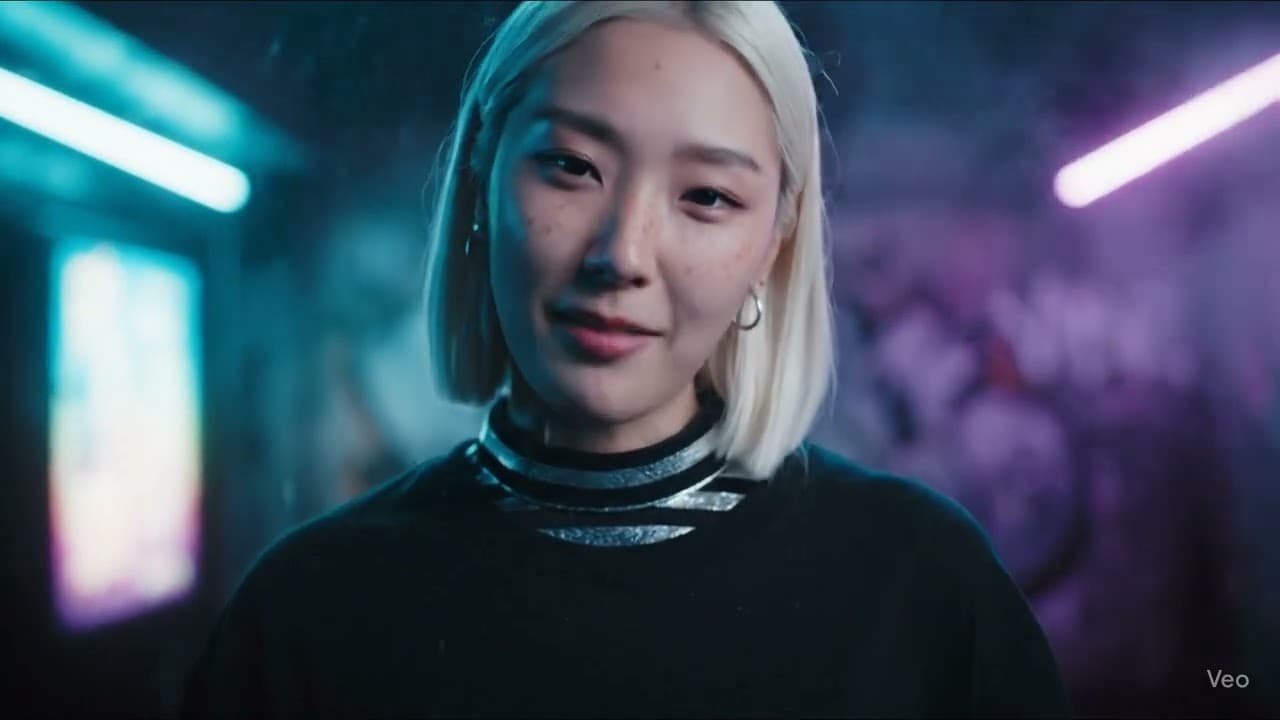
Veo 3.1 — AI video showcase
“Showcase: VEO 3.1 inside VIBE”
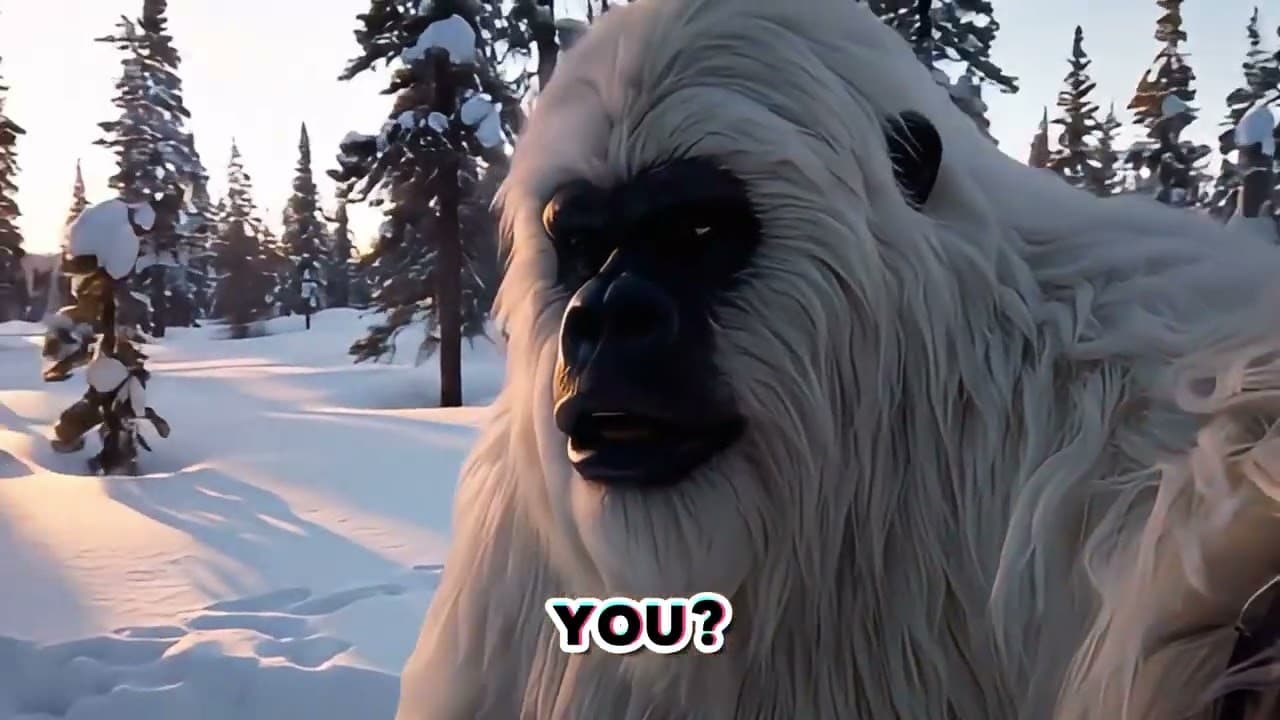
Sora 2 — AI video showcase
“Showcase: Sora 2 inside VIBE”
AI Video Styles & Use Cases
From cinematic trailers to short-form social media videos — VIBE covers every AI video generation use case in a single mobile app.
For Filmmakers, ads, trailers
Cinematic cyberpunk street, rain, neon lights.
Try this in VIBEFor Reels, TikTok, Shorts
Vertical fashion clip, energetic camera moves.
Try this in VIBEFor DTC brands & sellers
Luxury skincare with elegant motion and gloss.
Try this in VIBEFor Designers & influencers
Runway shot, soft studio lighting, slow pan.
Try this in VIBEFor Artists & DJs
Performer silhouette with neon trail loops.
Try this in VIBEFor AI artists
Animate this AI art with drifting motion.
Try this in VIBEFor Creators & travelers
Beach golden hour, handheld vibe, warm tones.
Try this in VIBEFor Storytellers
Fire dragon over a frozen fjord at twilight.
Try this in VIBEFor Travel creators
Cinematic drone above a misty mountain valley.
Try this in VIBEFor Meme & culture pages
Random object dramatically slow-mo, comedic.
Try this in VIBEFor Writers & teachers
Narrated scene of a lonely lighthouse at dusk.
Try this in VIBEFor Personal brand
Animated portrait intro for my channel.
Try this in VIBEFor Instagram & TikTok
9:16 product reveal with cool transitions.
Try this in VIBEFor Mobile apps
Glossy app mockup spinning over neon glow.
Try this in VIBEAI Video for Creators
VIBE is an AI video maker for TikTok creators, Instagram Reels creators, YouTube Shorts creators, influencers and social media managers who want to generate AI video clips fast — without advanced editing skills.
VIBE can help creators explore video ideas and generate visual concepts. It does not guarantee views, engagement or viral performance.
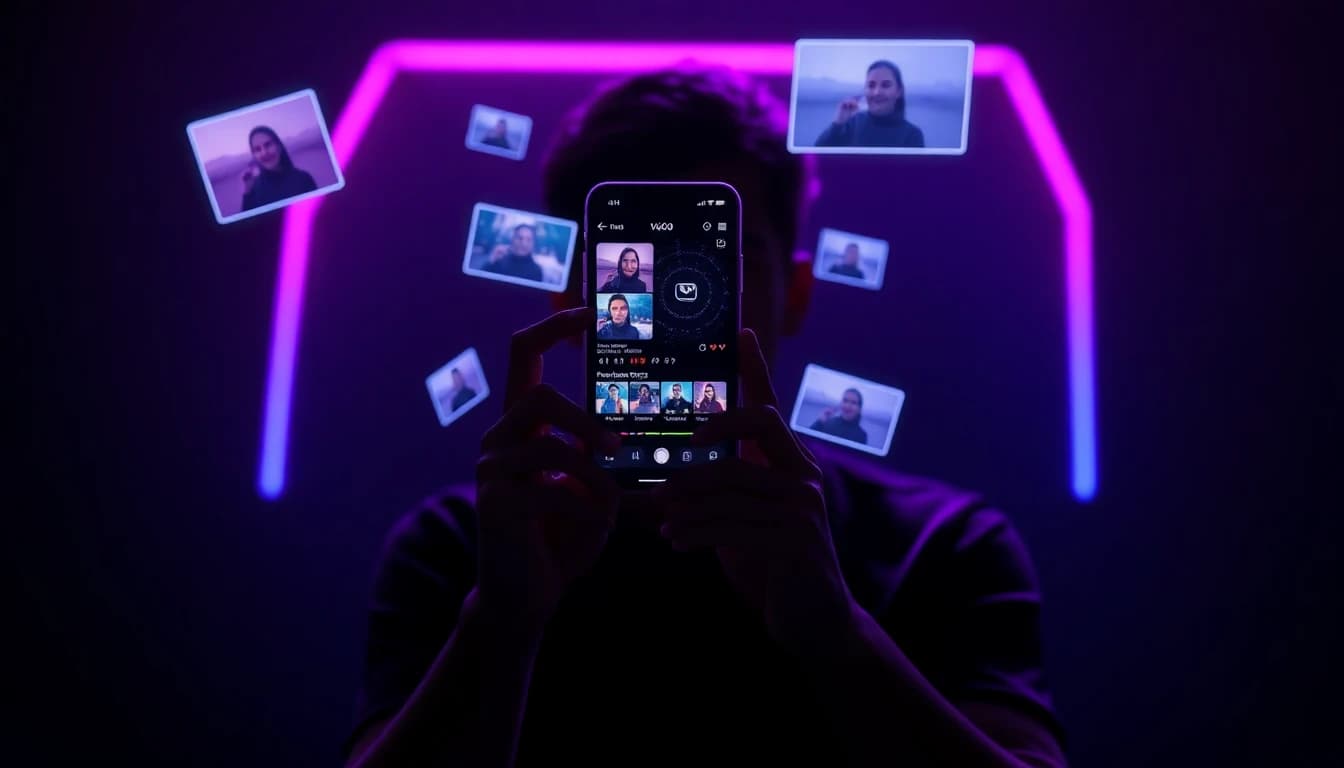
Use VIBE as your AI TikTok video generator for fast short-form ideation, photo animation and trend-ready clips. Drop a prompt, switch a model and post.
VIBE doubles as an AI Reels generator for fashion, lifestyle and product content. Generate vertical AI videos directly from your phone.
Spin up AI YouTube Shorts ideas in minutes. Use Sora 2, Veo 3.1 and Kling to generate short cinematic concepts and B-roll.
VIBE supports visual experimentation, creative direction and mobile-first creation for influencers and full-time content creators.
AI Video Generator vs Video Editor
VIBE is helpful for fast AI video ideas, short clips, image animations and creative concepts. For commercial campaigns or advanced editing, professional tools may still be useful.
| Feature | VIBE | Traditional Editor | Stock Library | Hire an Editor |
|---|---|---|---|---|
| Speed to first AI video | Under a minute | Hours of editing | Search & download | Days to weeks |
| Editing skill required | None | Advanced | Basic search | None — but costly |
| Mobile-first workflow | ✓ iPhone & Android | Mostly desktop | Web mostly | N/A |
| Prompt-based creation | ✓ Text to video AI | ✗ | ✗ | Brief required |
| Image to video AI | ✓ Photo to video | Manual rotoscoping | ✗ | Manual |
| Creative variety | 18+ AI video models | Limited to your skill | Library size | Editor's range |
| Best for | AI video ideas, social, drafts | Final productions | B-roll fillers | Polished campaigns |
Who VIBE Is Best For
Best for creators who want to generate AI video clips from photos and prompts directly from their phone — no editing software needed.
AI Video Prompt Library
Copy a prompt, paste it in the AI video generator app and remix it for your style.
Animate this portrait with a subtle cinematic camera movement.Turn this product photo into a luxury video ad concept.Create a dreamy travel video from this landscape image.Make this AI art image feel alive with motion and atmosphere.Cinematic cyberpunk street scene with rain and neon lights.Fashion video with soft studio lighting and slow camera movement.Cozy coffee shop in warm morning light, gentle handheld feel.Luxury skincare product video with elegant motion and gloss.Short vertical TikTok-style video with a hooky opening shot.Reels-style fashion clip with quick beat-driven transitions.YouTube Shorts cinematic teaser with dramatic camera moves.Animate this photo for a creative Instagram-ready post.Loved by AI Video Creators
Maya R.
TikTok creator
“VIBE helped me turn a photo into a video concept in minutes. It is hands down the easiest AI video generator app I have used.”
Diego P.
AI artist
“I run my AI art through Sora 2 and Veo 3.1 inside VIBE to test motion. Best mobile AI video maker for experiments.”
Ana K.
Small business owner
“I shoot one product photo and VIBE turns it into ten AI video ad concepts. It saves my team hours every week.”
Jordan T.
Social media manager
“We brainstorm AI Reels and YouTube Shorts ideas with VIBE before any real shoot. The image-to-video feature is gold.”
Lex M.
Mobile creator
“Switching between Kling, Veo and Hailuo in one app is unreal. VIBE basically replaced three other AI video generator apps.”
Sofia N.
Content creator
“I love that I can describe a vibe and get an actual cinematic AI video clip. Text to video AI on mobile finally works.”
Responsible Use & Licensing
VIBE helps users create AI-generated video ideas, clips and visual concepts. Results may vary depending on the uploaded photo, prompt quality, selected AI video model, style and video settings.
If you plan to use AI-generated videos commercially — for ads, sponsored content or paid campaigns — review VIBE’s in-app terms, the licensing details of the AI video model you used and the rules of any platform you publish on.
 Download VIBE
Upload a photo, write a prompt and generate AI video clips directly from your phone with VIBE — the AI video generator app for iPhone and Android.
Free to download · In-app purchases available · Works offline for browsing
AI Video Generator FAQ
Quick answers about AI video generation, image to video AI, text to video AI and how VIBE works on iPhone and Android.
VIBE is an AI video generator app that helps users create AI videos from prompts, photos, images and creative ideas on iPhone and Android.
An AI video generator is a tool that uses AI models to create video clips from text prompts, reference images or both. VIBE combines several leading AI video models in one app.
Open the app, upload a photo or type a prompt, choose an AI video model and style, then tap generate. VIBE returns an AI video clip you can save, export or share.
Yes. VIBE’s image to video AI lets you upload a portrait, product photo, AI art or landscape image and turn it into a dynamic AI video clip.
Yes. Upload any image to VIBE and the app uses AI video generation to add motion, camera moves and atmosphere to your photo.
Image to video AI is technology that animates a still image into a short video clip using AI. VIBE supports image-to-video across multiple models.
Text to video AI generates a short video clip from a written prompt. In VIBE you describe the scene, style and camera move, and the AI creates the video.
Yes, VIBE is a prompt-based AI video maker. Clear prompts with scene, lighting and camera direction usually produce the best results.
Yes, VIBE is available on iPhone via the Apple App Store.
Yes, VIBE is available on Android via Google Play.
VIBE is mobile-first. The latest features land on iPhone and Android first; tap the App Store or Google Play badge to get started.
No editing experience is needed. VIBE was designed as a beginner-friendly mobile AI video generator app.
Cinematic AI clips, social media videos, product videos, fashion clips, music visuals, AI art animations, lifestyle scenes and more.
Yes, VIBE works as an AI TikTok video generator for short-form ideation, photo animation and trend-ready clips in 9:16.
Yes, VIBE is an AI Instagram Reels generator. Export 9:16 vertical AI video clips directly from your phone.
Yes. Use VIBE as your AI YouTube Shorts generator to create cinematic short-form concepts and B-roll.
Yes. Upload your AI art image and VIBE will help you animate it into a short AI video clip.
Yes. Image to video AI in VIBE can add subtle camera moves, parallax and motion to portrait photos.
Yes. Upload a product photo and use prompts like ‘luxury skincare with elegant motion’ to create AI product video concepts.
Yes. Models like Sora 2 Pro, Veo 3.1 and Kling o3 inside VIBE are tuned for cinematic AI video generation.
Most AI video generations finish in under a minute, depending on the model, prompt complexity and current load.
Realism varies by model and prompt. Sora 2, Veo 3.1 and Kling o3 push toward photoreal motion, while other models lean stylized.
AI video generation can produce artifacts when prompts are vague, references are low quality, or motion is extreme. Refining the prompt and reference image usually helps.
Use clear, specific prompts, high quality reference images, simple camera moves and matching style words. Try the same prompt across multiple AI video models.
Yes. VIBE is built for content creators, influencers, social media managers, marketers and small businesses making short-form video.
VIBE is great for fast AI video ideas, drafts and short-form content. For advanced editing, sound design and full productions, professional tools may still be useful.
For commercial use, check VIBE’s terms, the AI video model’s licensing details and applicable platform rules before publishing or monetizing.
Specific, sensory prompts that include subject, action, environment, lighting, camera move and style usually produce the best AI video results.